
The Executive Summary
This analysis provides the data points necessary to select hardware that survives the front lines of global commerce.
Why Standard Tablets Fail in Professional Logistics
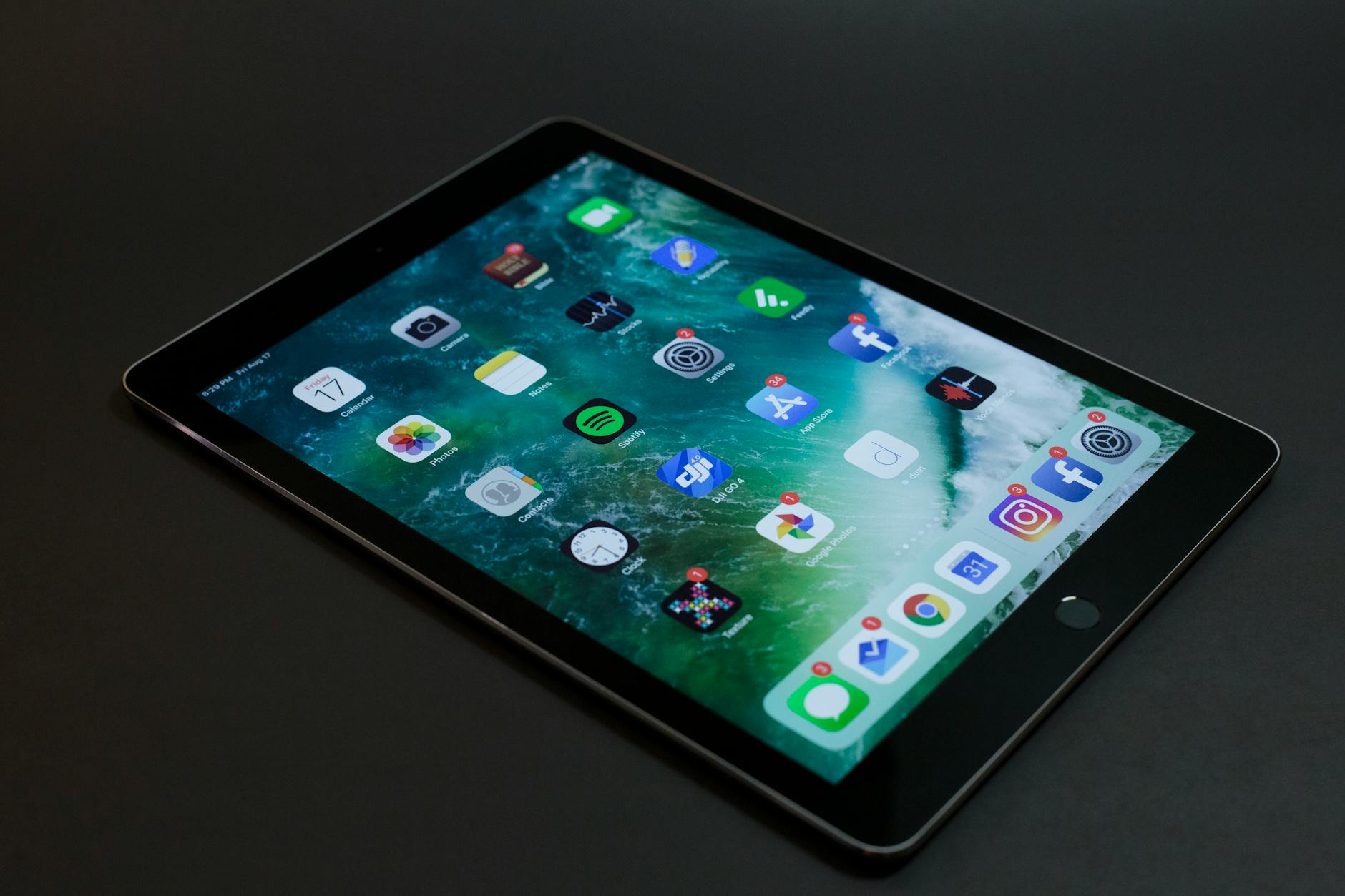
The transition from paper based tracking to digital systems often begins with a costly mistake: deploying consumer grade tablets. While a standard iPad or Android device is powerful: its physical architecture is not designed for the vibration of a forklift or the humidity of a cold storage facility. Internal components in consumer devices are typically held together with adhesives and friction: which can fail under the constant micro vibrations found in industrial settings.
Furthermore: the screens on consumer devices are built for clarity in living rooms: not readability under high intensity warehouse lighting. Glare and low brightness levels lead to eye strain and input errors for workers. When a worker cannot read a barcode scanner or a shipping manifest at a glance: the entire logistics chain slows down. Industrial ruggedized tablets solve these issues through specialized engineering and reinforced chassis designs.
Understanding the Military Grade Standards of 2026
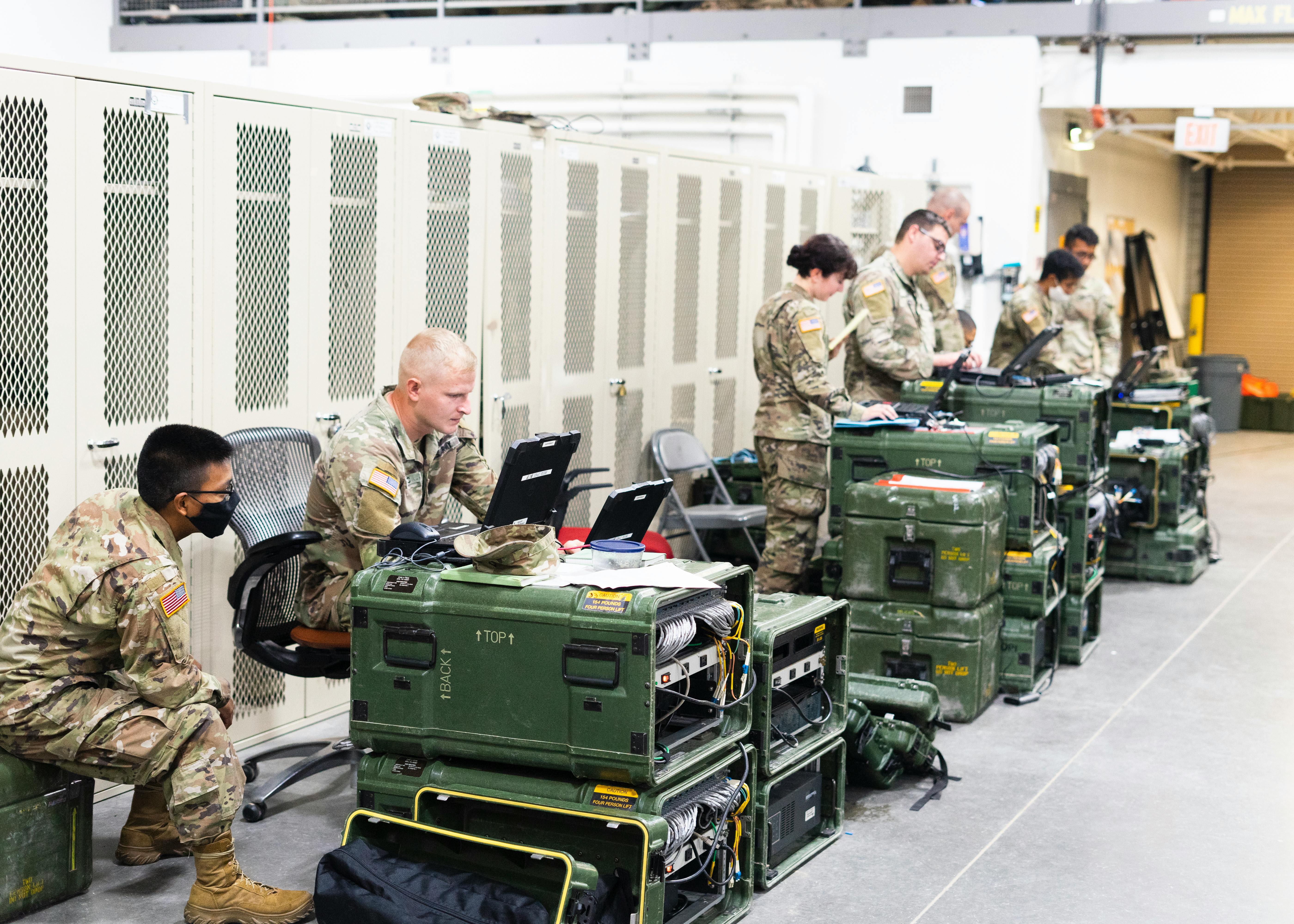
When shopping for industrial hardware: the most common term you will encounter is MIL STD 810H. This is a United States Military Standard that emphasizes tailoring an equipment environmental design and test limits to the conditions that it will experience throughout its service life. In a warehouse context: this means the device has been tested for shock: vibration: and repetitive drops on hard surfaces.
A tablet certified under MIL STD 810H has undergone rigorous testing: including multiple drops from heights of four to six feet onto plywood over concrete. For a public user: this certification is the primary indicator of build quality. If a device lacks this specific rating: it should not be considered for professional warehouse use.
Another critical metric is the Ingress Protection or IP Rating. For a warehouse: a rating of IP65 or higher is recommended. The first digit: 6: indicates the device is completely dust tight. The second digit: 5: means it can withstand water jets from any direction. This level of protection ensures that fine dust particles from cardboard boxes and packing materials cannot enter the internal circuitry and cause a short circuit.
Display Technology for High Intensity Workspaces
The display is the most vulnerable part of any tablet: yet it is the primary interface for the user. Professional ruggedized tablets utilize Corning Gorilla Glass Victus Plus or similar chemically strengthened materials. These screens are significantly more resistant to scratches and shattering than those found on budget devices.
Brightness: measured in nits: is a technical specification that customers must prioritize. A standard tablet usually offers 300 to 400 nits: which is insufficient for bright loading docks or outdoor areas. Industrial tablets: such as the Panasonic Toughbook G2: offer up to 1000 or 1200 nits. This “Sunlight Readable” technology ensures the screen remains visible even under direct noon sun or powerful overhead warehouse LEDs.
Input flexibility is equally important. Most warehouse workers wear gloves for safety and grip. Standard capacitive touchscreens require skin contact to function. However: professional ruggedized tablets feature “Glove Touch” and “Wet Touch” modes. These allow the user to navigate the software and scan barcodes without removing their protective gear: maintaining both safety and efficiency on the floor.
Processing Power and Warehouse Management Software
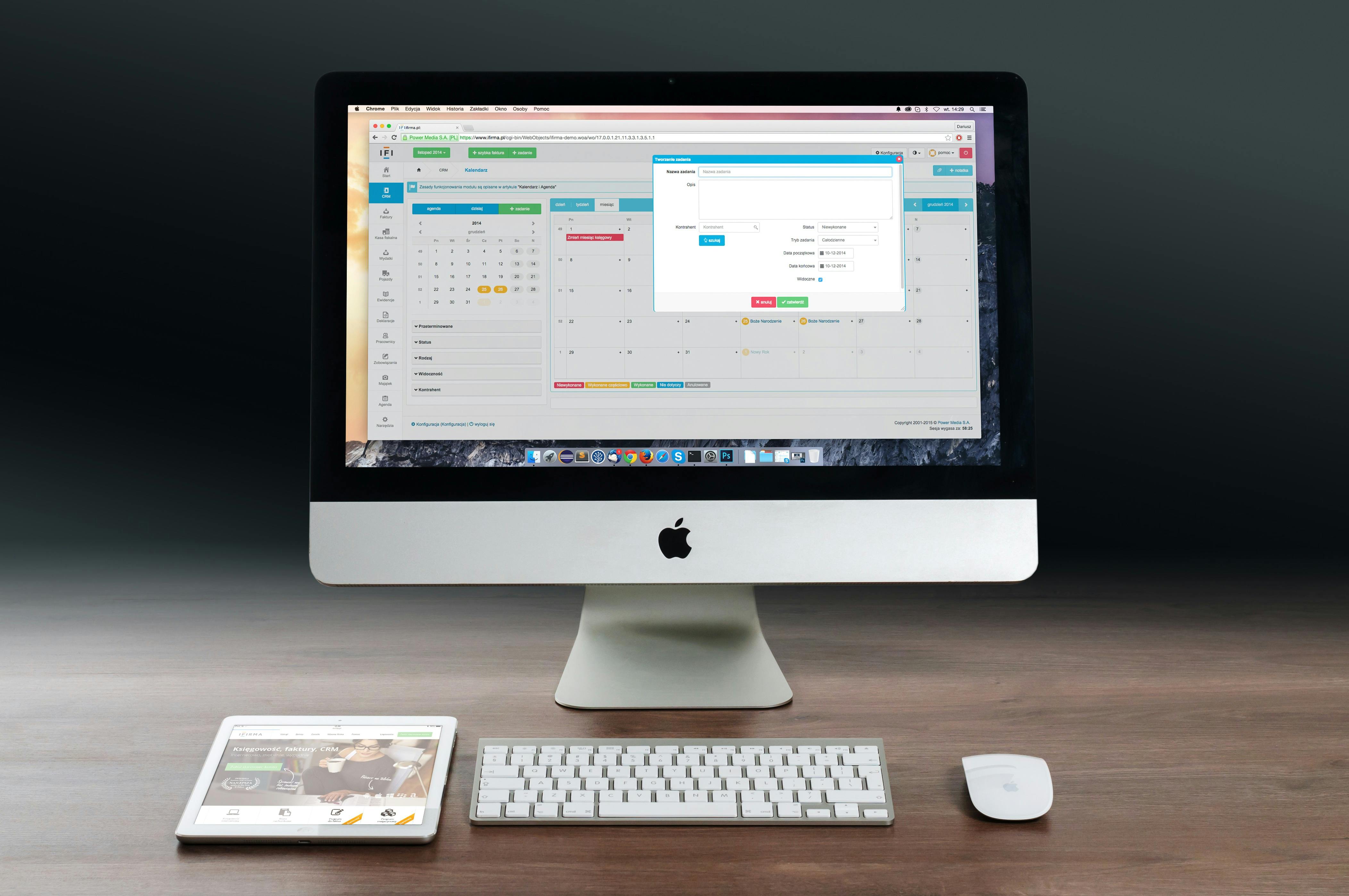
A ruggedized tablet is only as good as the software it runs. In 2026: most Enterprise Asset Management and Warehouse Management Systems (WMS) require significant processing power for real time data syncing. Choosing between a Windows based system and an Android based system is a major decision for any customer.
Windows tablets: like the Dell Latitude 7030 Rugged Extreme: provide the full power of a desktop computer in a handheld format. They typically use Intel Core i5 or i7 processors. This is essential for users who need to run complex spreadsheets: CAD files: or legacy Windows software alongside their WMS. The advantage of Windows is its seamless integration with existing corporate IT infrastructures.
Android tablets: such as the Samsung Galaxy Tab Active5 Pro: offer a more lightweight and mobile friendly experience. They are often more affordable and feature a user interface that most employees are already familiar with from their personal phones. For simple inventory counting: bar-code scanning: and communication: an Android system is often the most cost effective choice.
| Component | Minimum Professional Spec | High End Industrial Spec |
| Processor | Quad Core ARM | Intel Core i7 or Snapdragon 8 Gen 3 |
| RAM | 8 GB | 16 GB to 32 GB |
| Storage | 128 GB SSD | 512 GB to 1 TB NVMe SSD |
| Connectivity | WiFi 6 | WiFi 7 and 5G |
The Critical Role of Hot Swappable Batteries
In a 24/7 warehouse operation: downtime is the enemy. One of the greatest limitations of consumer tablets is the internal: non removable battery. When the battery dies: the tablet must be plugged into a wall: taking the worker away from their task.
Professional ruggedized tablets solve this with Hot Swappable Battery technology. This allows a user to remove a depleted battery and click in a fully charged one without turning the device off. The tablet contains a small internal “Bridge Battery” that keeps the system running for a few minutes during the swap. This ensures zero data loss and zero downtime during long shifts or across multiple rotations of staff.
For customers: the ability to maintain a charging rack of spare batteries is a massive operational advantage. It effectively gives the tablet an infinite runtime: provided the warehouse has a charging rotation in place.
[Affiliate Link: View Professional Battery Charging Stations]
Wireless Connectivity in Concrete and Steel Environments
Warehouses are challenging environments for wireless signals. Thick concrete walls: high metal shelving: and thousands of pallets can create “Dead Zones” where standard WiFi fails. This is why professional tablets are equipped with high gain antennas and the latest wireless standards.
WiFi 6E and WiFi 7 are the current standards for 2026. These technologies operate on the 6GHz band: which is less crowded than the older 2.4GHz and 5GHz bands. This results in faster data transfer and lower latency: which is vital for real time inventory updates. If a tablet loses connection while a worker is halfway through an order: the data may not sync: leading to inventory discrepancies.
Additionally: many customers now opt for tablets with integrated 5G Connectivity. This allows the device to switch to a cellular network if the local WiFi fails or if the worker needs to move into an outdoor yard area. Having a dedicated SIM slot ensures the device is always connected to the central database.
Ergonomics and Mounting Solutions for Forklifts
Performance is not just about specs: it is also about how the tablet is used. A heavy tablet can cause fatigue if carried by hand for an entire shift. This is why ergonomics play a major role in the design of ruggedized hardware. Many professional units include integrated hand straps: shoulder straps: or kickstands.
For many warehouse customers: the most important accessory is the Vehicle Dock. Ruggedized tablets feature Pogo Pin connectors on the back or bottom. These allow the tablet to be “Slam Docked” into a mounting cradle on a forklift. The dock provides constant power and can even connect the tablet to external antennas on the roof of the vehicle for better signal.
A high quality dock ensures the tablet is secure during the bumps and jolts of forklift operation. It also allows the driver to use the tablet as a heads up display for navigation and order picking instructions without ever taking their eyes off the path ahead.
[Resource: Official Guide to Forklift Mounting Standards]
Niche Comparison: The Top Professional Tablets for 2026
To help public users make an informed decision: we have compared the current leaders in the industrial tablet market.
1. The Dell Latitude 7030 Rugged Extreme
This is the “Gold Standard” for Windows users. It is a 10 inch tablet that offers incredible durability. It features dual hot swappable batteries and a high resolution screen that works perfectly in sunlight. It is the best choice for managers and power users who need a laptop replacement in the field.
2. The Panasonic Toughbook G2
Panasonic has been the leader in this space for decades. The G2 is a modular device: meaning you can add or remove ports like a barcode scanner: a thermal camera: or a serial port depending on your needs. This modularity makes it a favorite for specialized warehouse tasks.
3. The Samsung Galaxy Tab Active5 Pro
For businesses that prefer Android: the Active5 Pro is the best balance of price and performance. It is lighter than its Windows rivals but still meets MIL STD 810H standards. It includes an IP68 rated S Pen: which is perfect for signing digital manifests or taking notes in the rain.
[Affiliate Link: Check Professional Pricing for Rugged Tablets]
Calculating Total Cost of Ownership (TCO)
When a customer sees the price tag of a ruggedized tablet—often two or three times the cost of a consumer device—they may be hesitant. However: a professional analysis must focus on the Total Cost of Ownership.
A consumer tablet in a warehouse setting has an average failure rate of 30 percent per year. This means you are not just buying the tablet: you are also paying for the downtime: the IT support: and the eventual replacement. A ruggedized tablet: on the other hand: is built for a 3 to 5 year life cycle in the same environment. When you spread the cost over five years: the ruggedized tablet is almost always the more economical choice.
Furthermore: professional manufacturers provide long term support. While a consumer tablet might be discontinued after a year: companies like Dell and Panasonic offer parts and repairs for their rugged lines for many years. This stability allows a business to standardize their hardware and simplify their IT management.
Maintenance Tips for Longevity
To protect your investment: users should follow a few simple maintenance steps. First: check the port covers regularly. If a rubber gasket is torn or missing: the IP rating of the device is compromised. Most professional tablets allow you to replace these covers individually.
Second: clean the screen with appropriate materials. While ruggedized screens are tough: using harsh industrial chemicals can damage the anti glare coating. Use a microfiber cloth and a mild electronic cleaner. Finally: ensure the battery pins are kept clean and dry. If the tablet is used in a very humid or dusty environment: a quick blast of compressed air in the battery compartment once a week can prevent connection issues.
Final Verdict for the Modern Consumer
Digitizing a warehouse is a major step toward efficiency: but it requires the right foundation. For the public user or the business owner: the choice of tablet should be dictated by the environment: not the lowest price.
By prioritizing MIL STD certifications: sunlight readable displays: and hot swappable power: you ensure that your digital transition is successful. Investing in professional grade ruggedized hardware is the most effective way to eliminate device related downtime and keep your logistics operation moving forward.
Resources:
This video demonstrates the real world durability of high end ruggedized hardware: providing a visual look at the stress tests these tablets must pass to earn their industrial certifications.